Features
Cadence aims to be stupid-easy for newcomers and endlessly extensible for pros. Here’s what the app does today and how capabilities map to editions.
Compose
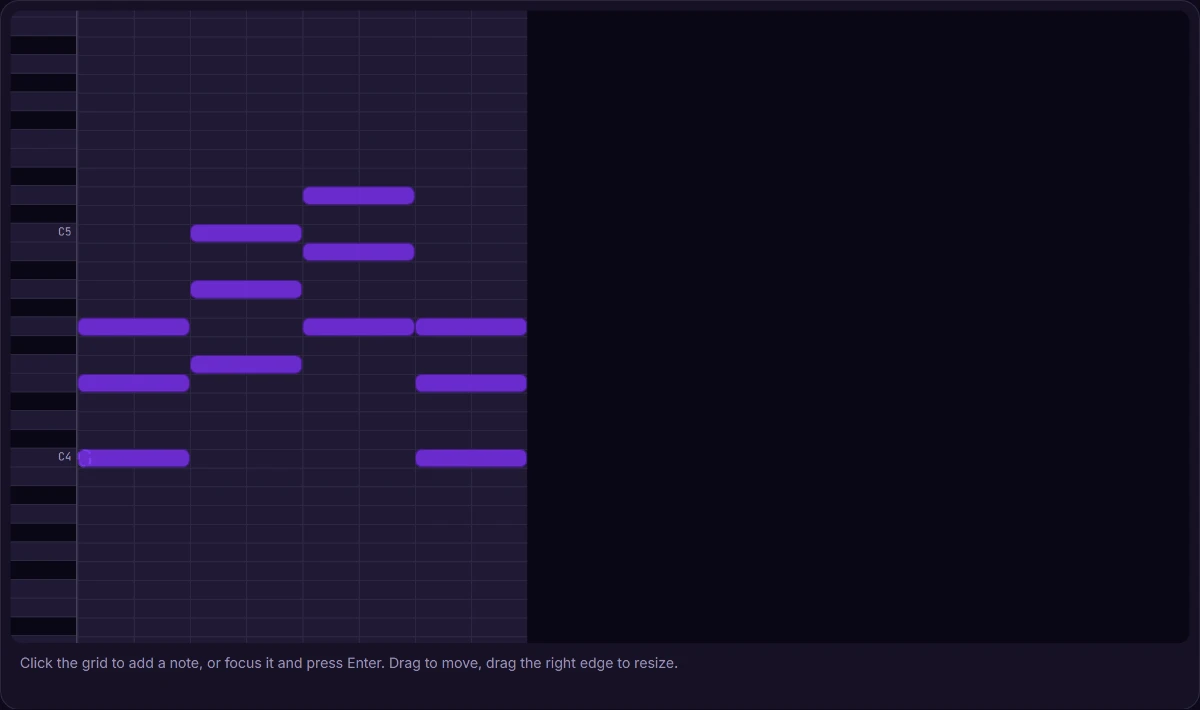
A low-latency Web Audio composer with a piano-roll editor, transport, metronome, and a rich instrument set — keyboard-first and built to stay smooth on a canvas timeline. Notation round-trips through MusicXML (OpenSheetMusicDisplay + VexFlow).
Cadence ships 64 built-in instruments — synthesis and physical-modeling voices spanning keys, guitars & plucked, bass, strings, brass & winds, leads, pads, mallets, and percussion — plus 5 drum kits. Every one is registered through the composer’s Plugin SDK, the same typed seam a third-party plugin uses to add its own instruments, formats, and commands.
AI composition assistant
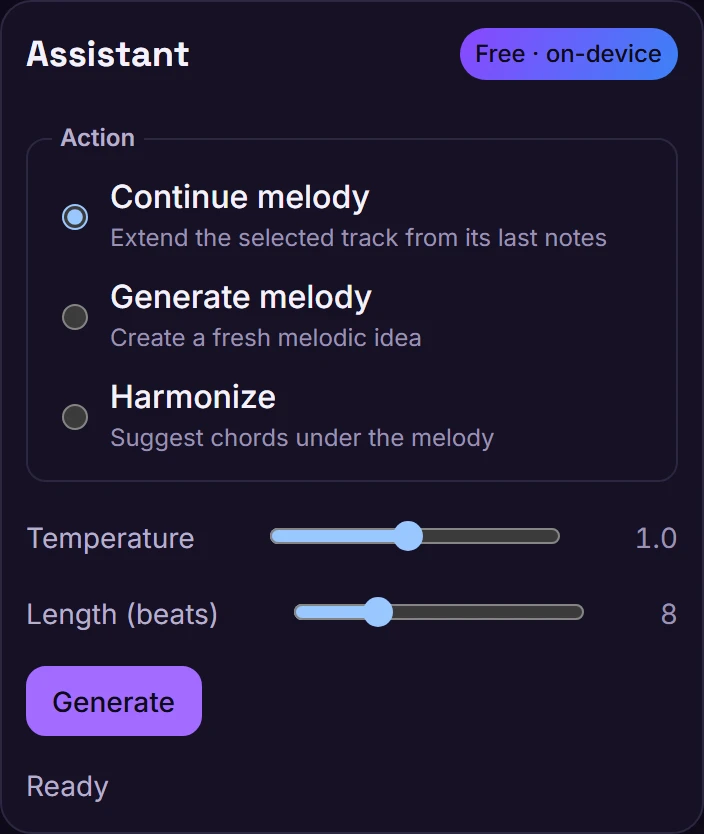
Suggest chords, harmonize a melody, or continue a phrase. The assistant runs entirely on-device in your browser (Magenta.js + TensorFlow.js), so it works offline and your music never leaves your machine. The free tier includes 50 generations per day; paid tiers lift that cap. The assistant sits behind a typed provider seam (part of the Plugin SDK), so the runtime can evolve without changing the UI.
On-device only, today. There is no server-side AI generation service in the backend. All AI generation currently happens in the browser.
Stems
Split a mix into its constituent sources — bass, drums, vocals, guitar, keys, synth, and other — through an authenticated, owner-scoped asynchronous job pipeline backed by an ONNX/Demucs separation worker (with a deterministic band-split fallback in CI/dev). Upload a mix, the job runs server-side, and each labeled stem returns as a WAV you can preview and download. Stem separation is a paid entitlement (free users see an upgrade prompt). If you later downgrade to Free, Cadence stops new separations, but the stems you already created while subscribed stay yours — you keep listing and downloading them.
Phase 1 ships the standalone separation surface (upload → preview → download). Bringing a separated stem back into the composer as an editable mixer track with its own solo, mute, and gain is a planned Phase 2 follow-up.
Collaborate
Edit a project together in real time. The client uses Yjs (a CRDT) with awareness and presence over a WebSocket relay — a first-party endpoint inside the API, not a separate service — so concurrent edits merge without conflicts. Projects are owner-scoped and shared through links that carry an owner, editor, or viewer role, resolved and enforced server-side (viewer writes are dropped before fan-out). Collaboration is a paid, seat-limited feature and stays inert until a session is explicitly activated.
Import, export & share
- MIDI and MusicXML import/export for interop with other tools.
- WAV (lossless PCM) and MP3 audio export. MP3 encoding runs on-device via the LAME encoder (credited under Acknowledgements).
- Portable
.cadence.jsonprojects. - Shareable listen links — a client-side snapshot, no account required.
- Offline-first local storage that syncs to your account’s cloud projects on sign-in.

Extend it
The composer is built on a typed, in-process Plugin SDK. A plugin can contribute instruments, audio effects, import/export formats, AI providers, commands (with their own keyboard shortcuts), and sidebar panels — through the same host the built-ins use. See the Plugin SDK guide.
Editions
The free tier is a real studio — full composer, on-device AI, and MIDI / MusicXML import-export — with an audible watermark on exports and a few limits. Paid tiers remove the watermark and lift the caps. The table reflects what the backend enforces today, mapped onto the editions shown on the pricing page.
| Capability | Free | Pro |
|---|---|---|
| Composer, piano roll, mixer | ✅ | ✅ |
| On-device (offline) AI assistant | ✅ | ✅ |
| AI generations per day | 50 | Unlimited |
| MIDI & MusicXML import / export | ✅ | ✅ |
| WAV & MP3 export | ✅ (watermarked) | ✅ |
| Watermark-free export | — | ✅ |
| Cloud projects | Up to 10 | Unlimited |
| Live collaboration (seats) | 1 | 5 |
| Stem separation | — | ✅ |
What’s enforced today. Cadence’s entitlement engine implements two enforced levels: Free and Pro. Pro unlocks watermark-free export, unlimited projects and AI generations, stem separation, and 5 collaboration seats. AI runs on-device in both tiers. Rendered-audio export ships as both WAV (lossless PCM) and MP3. Pricing is indicative during active development; the free tier is always free. The subscription tier is a claim (default
Free) resolved through the entitlement seam described in Authentication.