Getting started
This guide gets Cadence running locally. The backend is orchestrated by Aspire, so a single command starts the API together with its Postgres, Redis, and Blob dependencies.
To compose without installing anything, open the public Cadence web composer. That static GitHub Pages build supports anonymous local projects and offline use. It does not include a hosted Cadence backend; sign-in, cloud sync, collaboration, billing, and stem separation remain unavailable there. The steps below run the complete self-hosted stack.
Prerequisites
| Tool | Version | Used for |
|---|---|---|
| .NET SDK | 10.0+ | The API, AppHost, and data projects |
| Node.js | 22+ | The web SPA (apps/web) and desktop shell |
| Docker | latest | Aspire-managed Postgres, Redis, and the Azurite blob emulator |
| Rust | stable | Optional — only for building the Tauri desktop app |
The exact SDK is pinned in global.json; Docker must be running before you start
the AppHost so Aspire can spin up the backing containers.
1. Clone the repository
git clone https://github.com/IEvangelist/cadence.git
cd cadence
2. Run the backend
The Aspire AppHost is the entry point. It builds the API and starts every resource it models.
First, install the Aspire CLI (once per machine):
# Windows (PowerShell)
irm https://aspire.dev/install.ps1 | iex

# Linux/macOS
curl -sSL https://aspire.dev/install.sh | bash
See the install guide for details. Then start the backend:
aspire run
This opens the Aspire dashboard, which lists each resource, its health, logs, and the assigned URLs. The API applies its EF Core migrations against the Aspire-wired Postgres database at startup, so there is no manual database step.
3. Run the web UI
In a second terminal:
cd apps/web
npm install
npm run dev
The SPA is offline-first: signed out, it stores projects in a versioned
localStorage store; on sign-in it syncs local-only projects up to the API and
switches to the remote store.
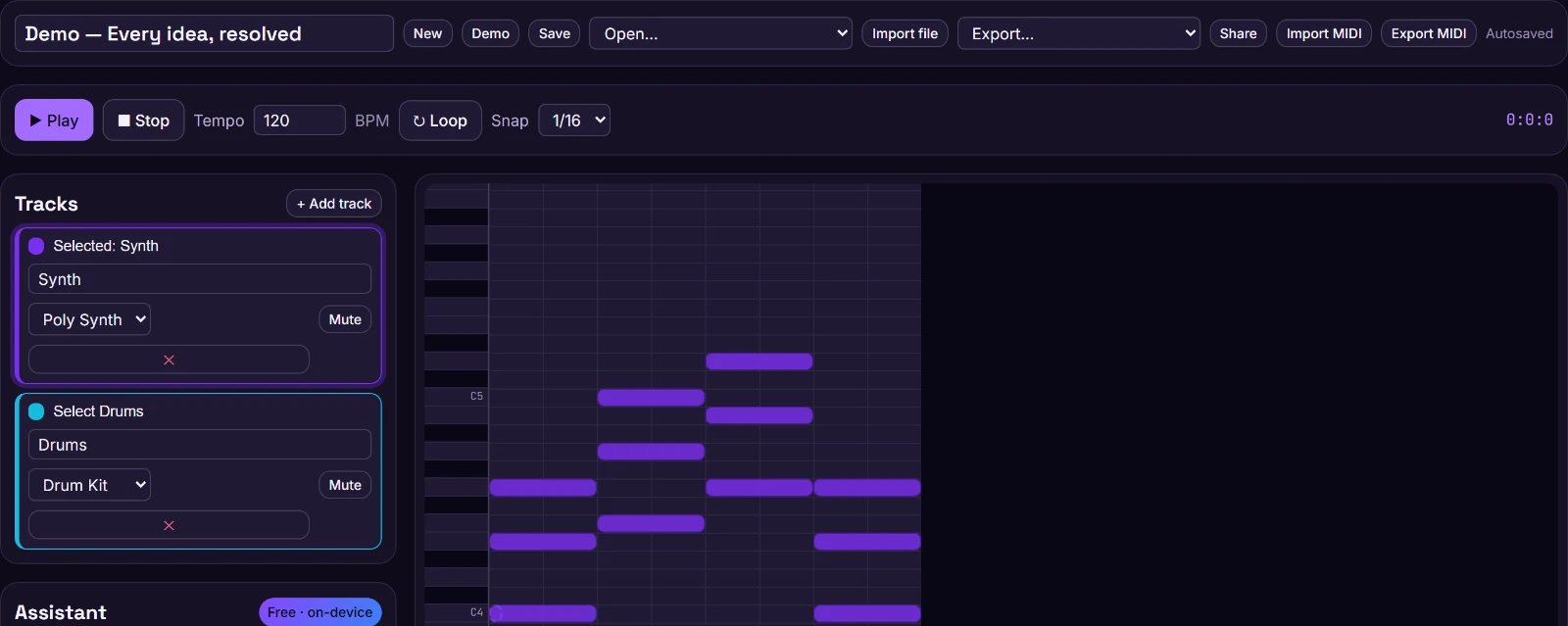
npm run dev.4. Run the desktop shell (optional)
The desktop app wraps the same SPA in a Tauri (Rust) shell:
cd apps/desktop
npm install
npm run tauri dev
5. Sign in
Local email + password and passwordless magic-link sign-in work immediately, with no configuration and no secrets. The default magic-link sender writes the link to the logs, so you can complete a passwordless sign-in straight from the Aspire dashboard’s log stream. To enable GitHub/Google/Microsoft OAuth, follow Authentication.
Where to next
- Understand the moving parts in Architecture.
- Deploy your own instance with Self-hosting & deploy.